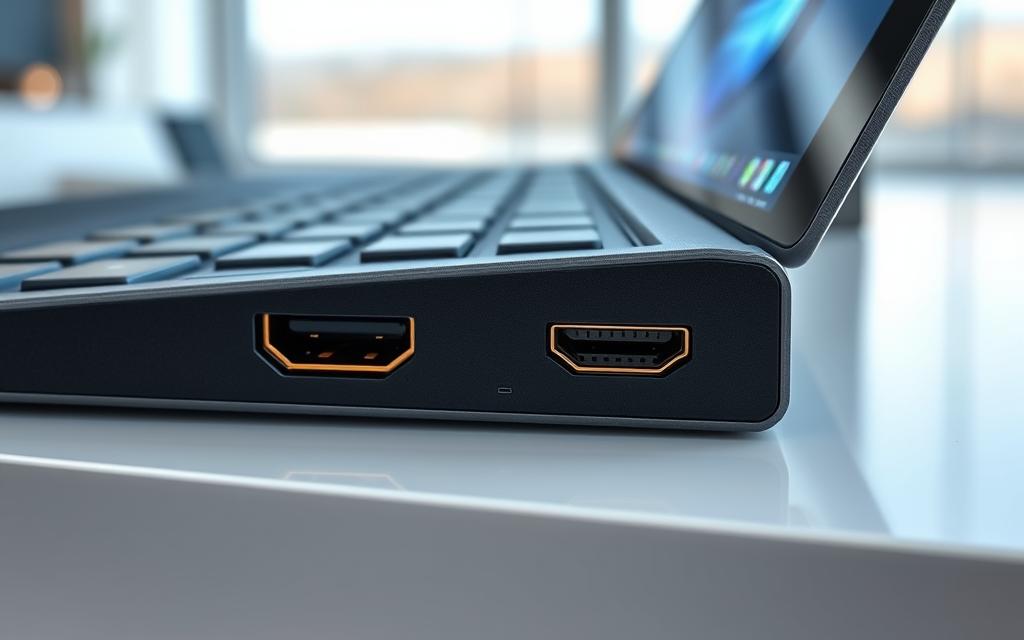
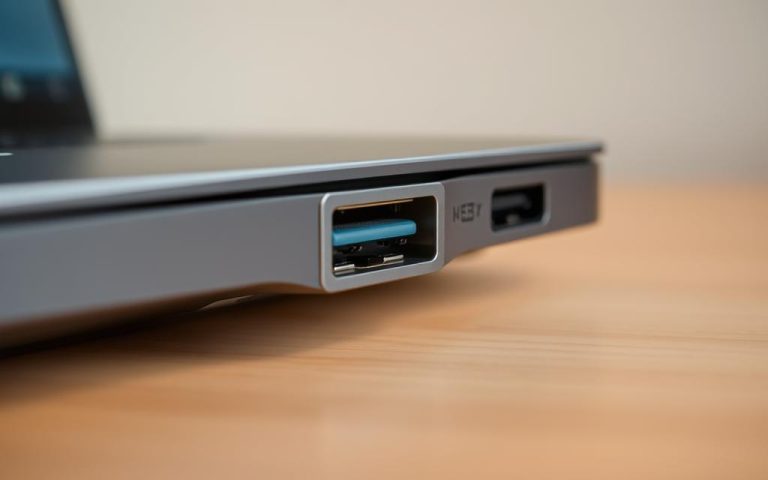
The modern tablet is evolving rapidly, transforming from a simple device for media consumption into a powerful tool that rivals laptops in performance. One key feature driving this evolution is the inclusion of HDMI connectivity, enabling users to connect their device to external displays seamlessly.
This shift towards incorporating HDMI ports into tablet PCs reflects the growing demand for versatile devices that can handle both productivity and entertainment tasks. As the market continues to expand, manufacturers face the challenge of balancing functionality with sleek, compact designs.
Our guide aims to help you navigate the top tablet PCs with HDMI capabilities in 2025, considering various price points and use cases to make an informed purchasing decision.
Understanding the Value of HDMI Ports in Tablet PCs
In the realm of tablet PCs, HDMI ports play a crucial role in expanding the device’s connectivity and display options. This feature allows users to connect their tablets to larger displays, such as TVs and monitors, thereby enhancing their overall computing experience.
What is HDMI Technology?
HDMI stands for “High-Definition Multimedia Interface.” It is a technology that enables the transfer of high-quality audio and video data between devices through a single cable. This simplifies the process of enjoying high-definition media, making it a convenient and user-friendly experience.
Benefits of Having an HDMI Port on Your Tablet
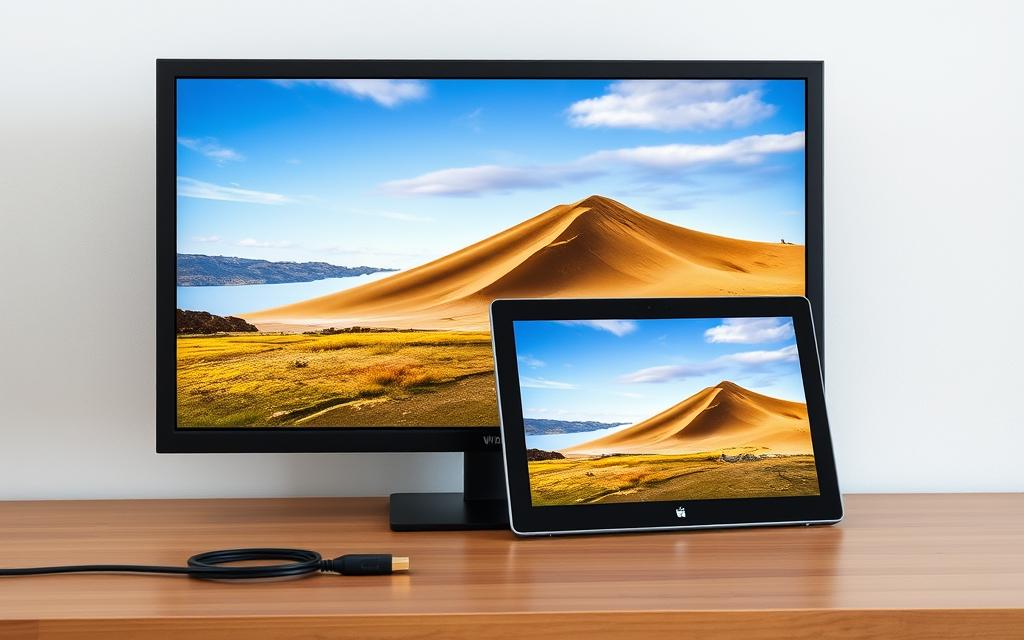
Having an HDMI port on your tablet PC offers several benefits. It allows you to mirror your content on a larger display, making it ideal for presentations and media consumption. Additionally, it enables you to extend your workspace, thereby enhancing productivity.
HDMI-enabled tablets are versatile devices that can be used in various settings. They are ideal for business presentations, educational purposes, gaming on larger screens, and media consumption. The ability to connect to external displays makes them more functional and user-friendly.
Some common use cases include:
Business presentations
Educational settings
Gaming on larger screens
Media consumption
Why Are Tablet PCs with HDMI Ports Rare?
The absence of HDMI ports on most tablet PCs is a design choice influenced by several factors. Most mobile phones and tablets have always lacked HDMI capabilities due to design and functionality constraints.
Design Challenges for Manufacturers
Early tablet designs focused on being lightweight and compact, making it difficult to incorporate a standard HDMI port, which is relatively large. Manufacturers face design challenges, including space constraints and maintaining structural integrity.
Cost Considerations
Adding HDMI functionality impacts manufacturing expenses and retail pricing. The cost of incorporating HDMI ports into tablet PCs is a significant factor in their scarcity. For more information on tablets with HDMI input, visit XP-Pen’s blog.
Alternative Connection Technologies
Instead of direct HDMI ports, manufacturers have adopted alternative connection technologies like USB-C with DisplayPort Alt Mode. This shift reflects the industry’s move towards more versatile and compact connection solutions.
Top Premium Tablet PCs with HDMI Port in 2025
As we step into 2025, the market for premium tablets with HDMI connectivity is thriving, catering to the needs of professionals and creatives alike. This section delves into the top premium tablet PCs that feature HDMI ports, focusing on their performance, display quality, and overall functionality.
Microsoft Surface Pro 9
The Microsoft Surface Pro 9 stands out as a best tablet option, boasting a 2-in-1 design and powerful Intel i5/i7 processors. Its high-resolution PixelSense display and versatile functionality make it an ideal choice for business users.
The Surface Pro 9 is designed to offer a seamless computing experience, with its 13-inch screen and 2880 x 1920 pixels resolution providing crisp visuals. It is equipped with Intel Core i5/i7 CPUs, ensuring smooth performance for multitasking and running professional-grade software.
Pros
The device’s HDMI port allows for easy connectivity to external displays, enhancing productivity. Additionally, its 10 MP rear camera and 5 MP front camera facilitate high-quality video conferencing.
Cons
Some users may find the device’s weight (879g) to be on the heavier side for prolonged handheld use. Moreover, the storage options, while varied (128GB/256GB/512GB/1TB), may require careful consideration based on individual needs.
Key Features
The Surface Pro 9’s HDMI output and powerful processors make it a top choice for professionals. Its PixelSense display offers an immersive viewing experience, while the device’s overall design ensures durability and portability.
Lenovo Yoga Tab 13
Lenovo’s Yoga Tab 13 is another premium tablet that checks most boxes for professionals and entertainment enthusiasts. Its IPS LCD 13-inch display and powerful Snapdragon 870 chipset make it an excellent choice for both work and play.
The Yoga Tab 13 boasts a sprawling 13-inch IPS LCD display, powered by a massive 10,000 mAh battery that ensures long-lasting use. Its unique design includes a built-in kickstand, enhancing its versatility.
Pros
The device’s HDMI input capability makes it an ideal second monitor, while its powerful chipset ensures smooth performance for demanding tasks.
Cons
Some users might find the camera capabilities to be less impressive compared to other premium devices. Additionally, the overall design, while unique, may not appeal to everyone’s aesthetic preferences.
Key Features
The Yoga Tab 13’s large display and long battery life make it perfect for extended use, whether for work or entertainment. Its Snapdragon 870 chipset provides the necessary power for multitasking and running demanding applications.
Samsung Galaxy Tab S8
The Samsung Galaxy Tab S8 is renowned for its exceptional AMOLED display and powerful performance courtesy of the Snapdragon 8 Gen 1 processor. While it doesn’t have a direct HDMI port, it can be connected to external displays via USB-C to HDMI adapters.
The Galaxy Tab S8 features an AMOLED display that offers vibrant colours and deep contrasts, making it ideal for media consumption and creative tasks.
Pros
The device’s powerful processor and ample storage options ensure that it can handle demanding tasks with ease. The USB-C port allows for connectivity to external displays, enhancing its utility.
Cons
The lack of a direct HDMI port may be a drawback for some users, requiring the use of adapters for external display connectivity.
Key Features
The Tab S8’s AMOLED display and Snapdragon 8 Gen 1 processor make it a powerhouse for both productivity and entertainment. Its ability to connect to external displays via adapters adds to its versatility.
Mid-Range Tablet PCs with HDMI Capabilities
For those seeking a balance between performance and affordability, mid-range tablet PCs with HDMI capabilities are an attractive option. These devices cater to the needs of users who require HDMI connectivity without the premium price tag associated with high-end models.
Lenovo Tab P11 (2nd Gen)
The Lenovo Tab P11 (2nd Gen) is a notable mid-range tablet that offers HDMI support through its USB-C port, making it an excellent choice for viewing content on larger screens.
Overview
This tablet features a stunning 11.5-inch LCD screen with a resolution of 2000 x 1200 pixels, coupled with Dolby Atmos audio for an immersive experience. The device is powered by a MediaTek Helio G99 processor and comes with 128GB or 256GB of storage, expandable via microSD.
Excellent Display: The high-quality LCD screen provides vibrant visuals.
Immersive Audio: Dolby Atmos enhances the overall viewing experience.
Expandable Storage: Users can expand storage via microSD cards.
Cons
The device’s performance, while satisfactory for general use, may not be ideal for demanding tasks or gaming.
Key Features
11.5-inch LCD screen
MediaTek Helio G99 processor
128GB/256GB storage
13MP rear camera
8MP front camera
USB-C port with HDMI support
Fusion5 Windows 11 Tablet PC
The Fusion5 Windows 11 Tablet PC stands out as a versatile mid-range option, offering HDMI capabilities through its micro HDMI port. This makes it particularly suitable for productivity tasks and presentations.
Overview
This 10-inch tablet is powered by a robust processor and features dual-band Wi-Fi, making it ideal for users on the go. It delivers stunning visuals and is designed to handle a variety of tasks efficiently.
Productivity: The tablet’s HDMI port and Windows 11 OS make it ideal for work-related tasks.
Performance: The device offers robust performance for its class.
Connectivity: Dual-band Wi-Fi ensures stable and fast internet connectivity.
Cons
The tablet’s battery life may not be sufficient for extended use away from a power source.
Key Features
10-inch display
Windows 11 operating system
Micro HDMI port
Dual-band Wi-Fi
Robust processor
Budget-Friendly Tablets with HDMI Ports
You don’t have to break the bank to get a tablet with HDMI capabilities. Several budget-friendly options offer HDMI connectivity, making them ideal for casual users, students, and those who need a reliable device for basic tasks.
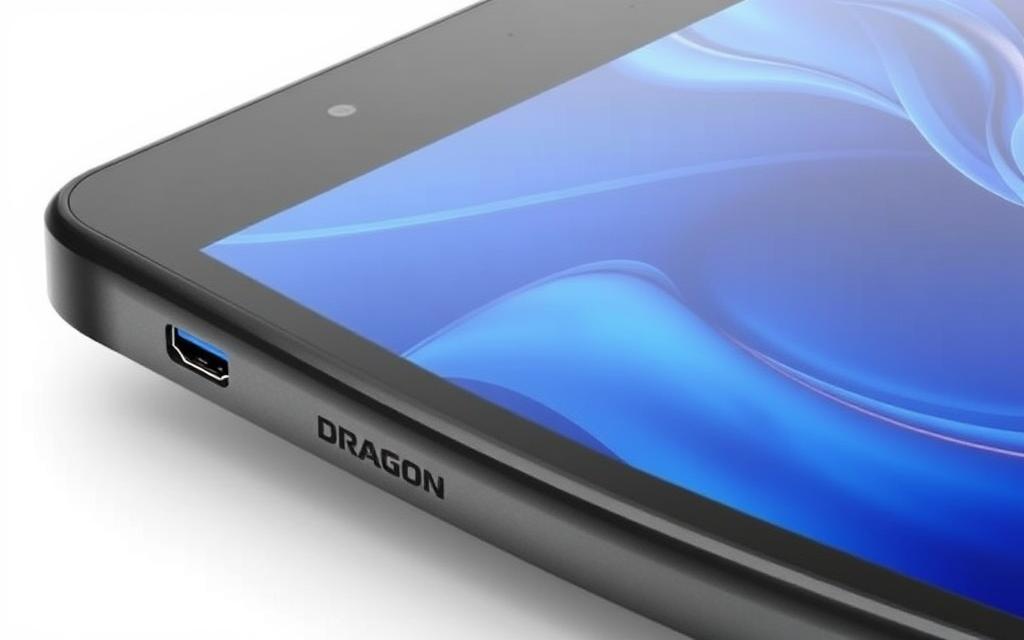
The Dragon Touch Notepad K10 Tablet is an affordable option that comes with a built-in HDMI port. It’s designed for basic use, making it suitable for streaming, light gaming, and everyday tasks.
Pros
Affordable: Priced competitively, making it a great value for money.
HDMI Connectivity: Allows for easy connection to external displays.
Cons
Limited Performance: With 2GB RAM and an ARM Cortex A53 processor, it may struggle with demanding tasks.
Display Quality: The display is not the highest resolution, which may affect viewing experience.
Key Features
2GB RAM, ARM Cortex A53 processor, and HDMI port for external display connectivity.
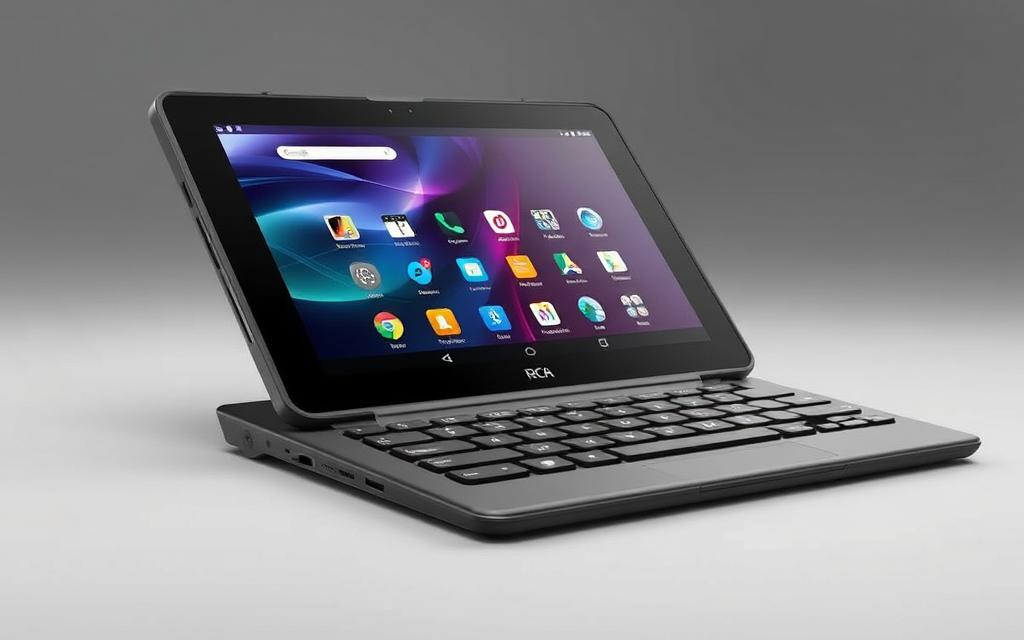
The RCA Galileo is another budget-friendly tablet that features an HDMI port and a detachable keyboard, making it a versatile option for both work and play.
Pros
Detachable Keyboard: Enhances productivity with a more traditional typing experience.
HDMI Output: Allows users to connect to larger displays.
Cons
Performance: May not be suitable for heavy-duty applications.
Battery Life: Could be better, depending on usage.
Key Features
HDMI port, detachable keyboard, and a compact design.
The Chuwi Hi10 X is a feature-rich tablet that includes a Micro HDMI output. It’s a great option for those looking for a budget-friendly device capable of handling basic tasks and streaming media.
Pros
Feature-Rich: Offers a good balance of performance and features.
Micro HDMI Output: Allows for connection to external displays with the right adapter.
Cons
Android and Windows Compatibility: May have varying levels of optimisation.
Camera Quality: Not the best, but sufficient for casual use.
Key Features
Micro HDMI output, supports both Android and Windows, and offers a good display.
Specialised Drawing Tablets with HDMI Connectivity
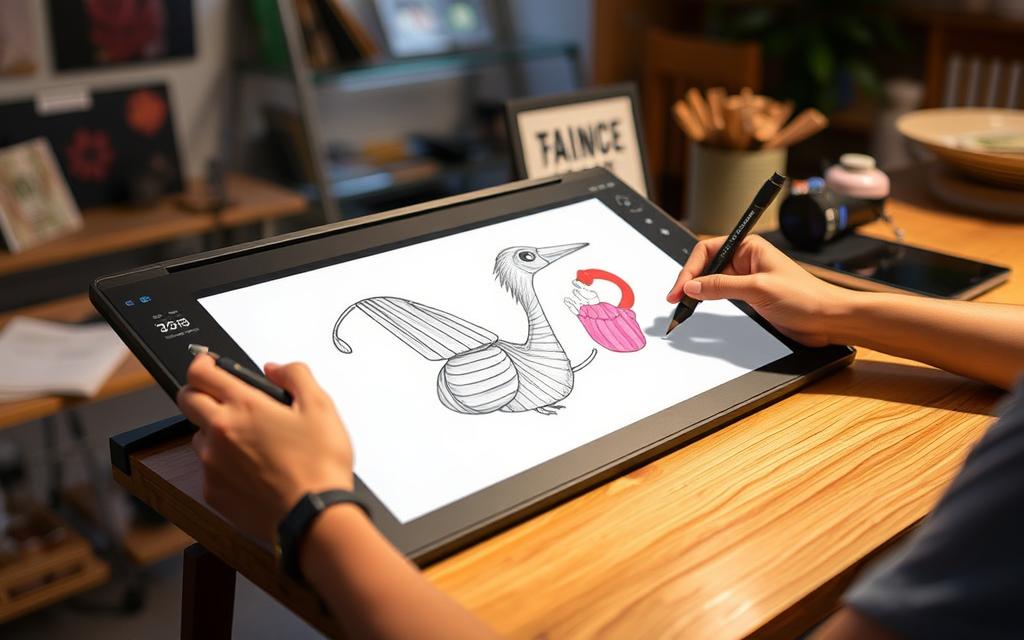
HDMI-enabled drawing tablets are revolutionising the way artists create digital art. These specialised tablets cater to the needs of creative professionals, offering advanced features that enhance their workflow and productivity.
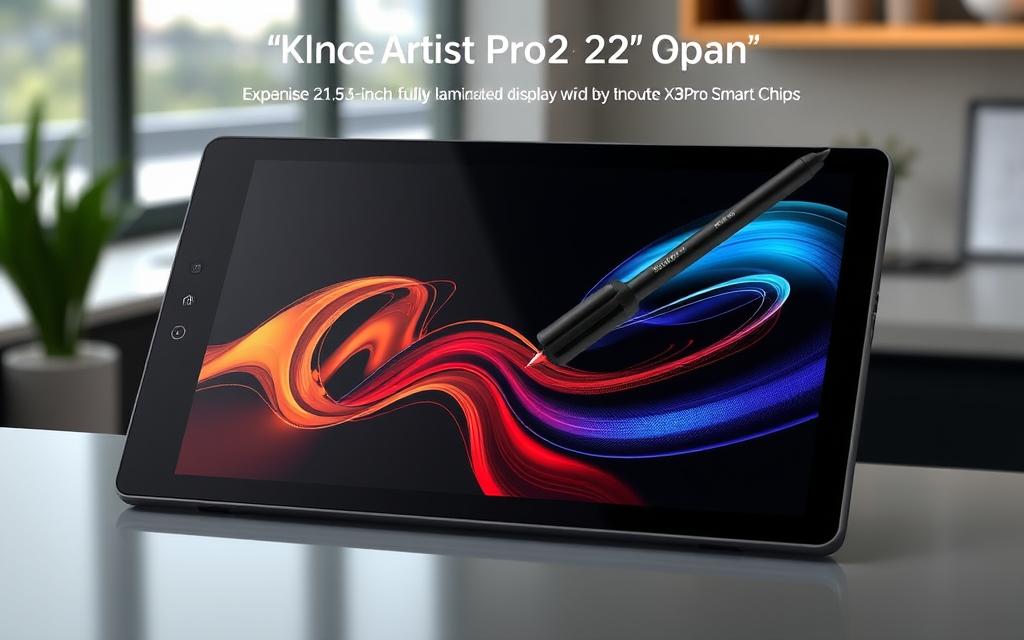
The XPPen Artist Pro22 (Gen2) is a powerhouse for digital artists, featuring a large 21.5-inch fully laminated screen that provides an immersive drawing experience. With its HDMI connectivity, users can enjoy a seamless connection to their computers or other devices.
Pros
The tablet boasts excellent colour accuracy with a Delta E value of less than 1, ensuring that the colours displayed are true to life. Additionally, the X3 Pro Smart Chip stylus offers up to 16,384 pressure levels and a 60-degree tilt recognition, making it ideal for professional digital art creation.
Cons
While the tablet is highly praised for its features, it is worth noting that its large size may require more desk space, and the price may be a consideration for some potential buyers.
Key Features
The XPPen Artist Pro22 (Gen2) includes a 220 RPS refresh rate, ensuring a smooth viewing experience, and XPPen’s top-of-the-line stylus for precise drawing.
The XPPen Artist14 Pro (Gen2) combines portability with professional-grade features, making it an excellent choice for artists on the go. Its HDMI connectivity allows for easy connection to various devices.
Pros
This tablet features the same X3 Pro Smart Chip stylus as the Pro22, offering 16,384 pressure levels, and is designed to be compact and lightweight.
Cons
Some users may find the screen size smaller compared to other models, but it is still suitable for detailed work.
Key Features
The Artist14 Pro (Gen2) includes a high-resolution display and is designed for artists who need a reliable and precise drawing tool.
The XPPen Artist24 Pro is designed for professional artists, offering an expansive drawing surface and programmable keys that enhance workflow efficiency.
Pros
The tablet features a high-quality display and advanced stylus technology, making it suitable for detailed and intricate work.
Cons
The complexity of its features may require a learning curve for some users.
Key Features
The Artist24 Pro includes programmable keys for custom shortcuts and an advanced stylus for precise drawing.
These specialised drawing tablets differ significantly from general-purpose tablets with HDMI ports, offering unique features such as pressure sensitivity, tilt recognition, and colour accuracy that are essential for creative professionals.
Alternative Solutions for Tablets Without Built-in HDMI
If your tablet doesn’t have an HDMI port, don’t worry; there are several alternatives you can consider to achieve HDMI connectivity.
USB-C to HDMI Adapters
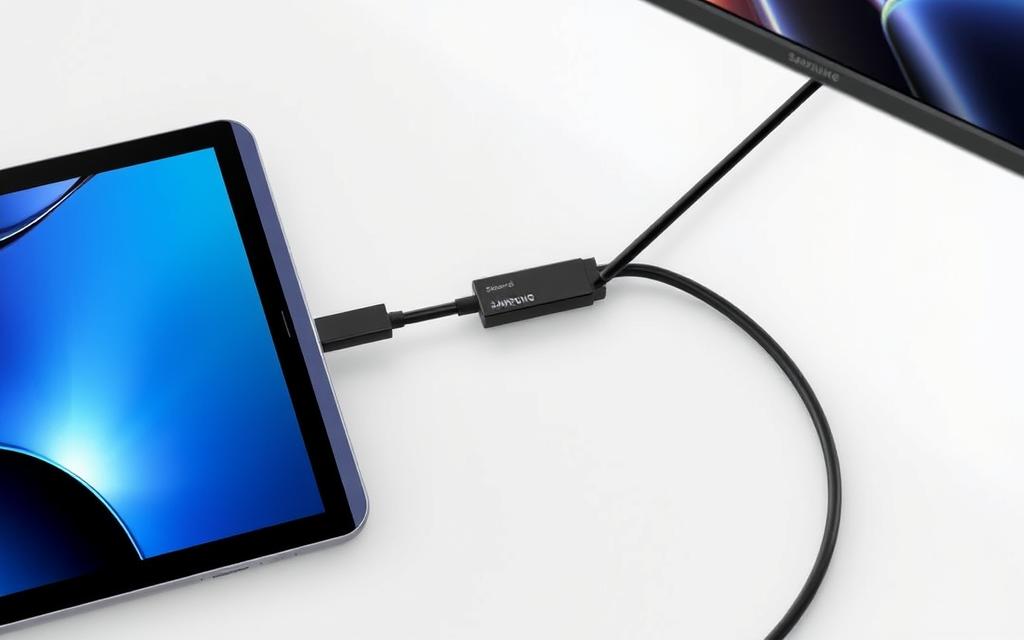
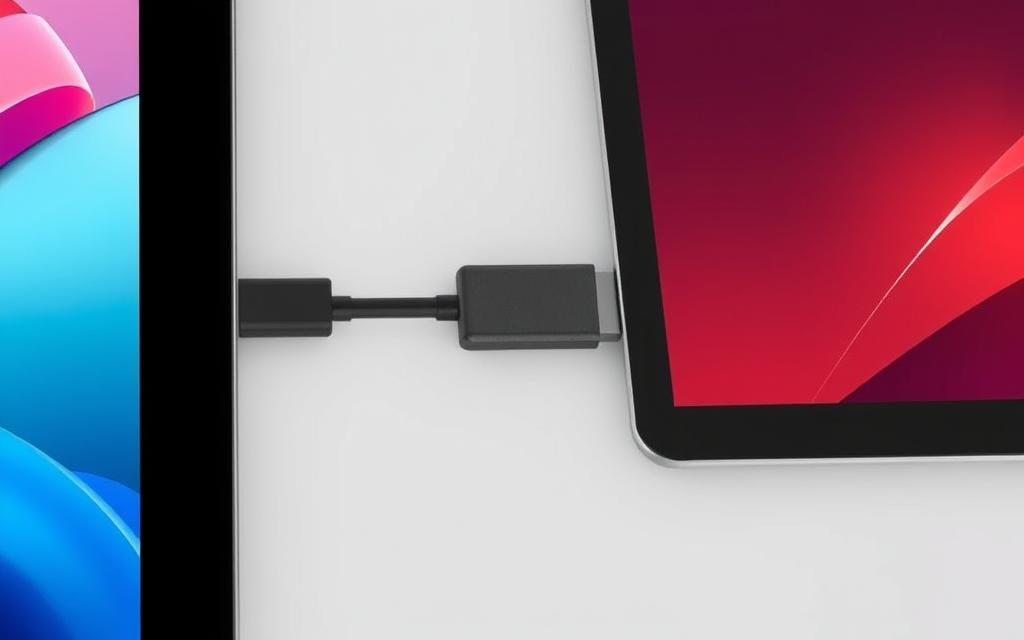
For tablets equipped with a USB-C port, a USB-C to HDMI adapter offers a straightforward solution to connect to HDMI displays. These adapters are compact, easy to use, and support high-definition video output.
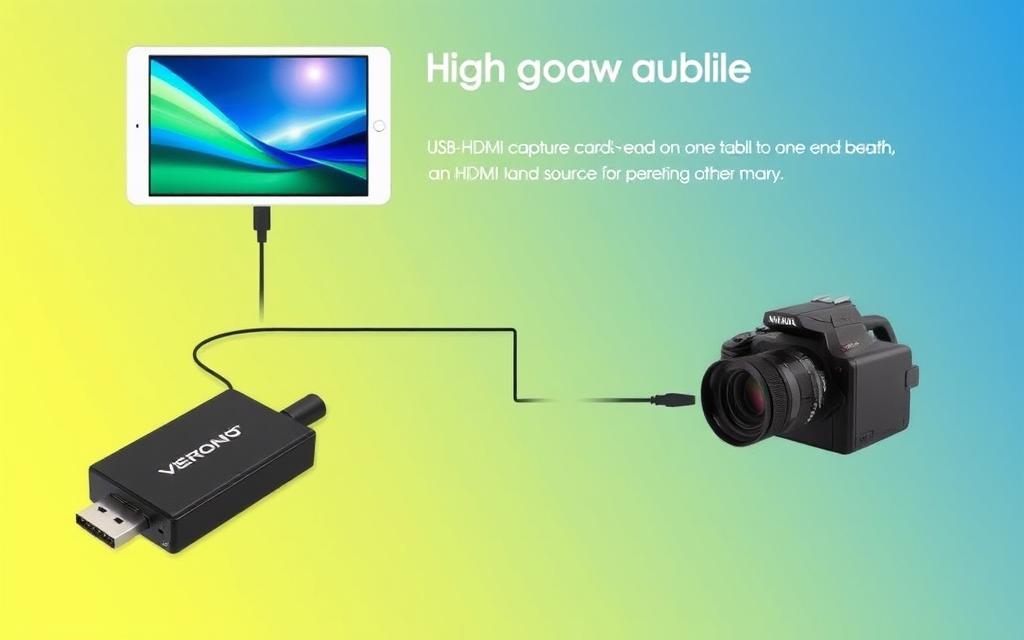
A USB-HDMI capture card is a device that captures HDMI video and converts it into a USB signal, allowing your tablet to receive HDMI input. This is particularly useful for content creators who need to capture or stream HDMI sources using their tablets.
Wireless display technologies like Miracast, Chromecast, and AirPlay enable tablets to connect to displays or projectors wirelessly. These technologies offer a convenient, cable-free solution for sharing content on larger screens.
By considering these alternatives, users can overcome the limitation of lacking an HDMI port on their tablets, ensuring they can still enjoy HDMI connectivity.
How to Choose the Right Tablet PC with HDMI Port
When selecting a tablet PC with an HDMI port, several key factors come into play to ensure you find the best device for your needs. The following considerations will guide you in making an informed decision.
Performance and Processor Considerations
The processor is the heart of any tablet PC, determining its performance and capability to handle demanding tasks. For a tablet with HDMI output, a robust processor is crucial, especially if you plan to use it for gaming, multitasking, or running resource-intensive applications. Models like the Samsung Galaxy Tab S8, equipped with a Snapdragon 8 Gen 1 CPU, and the Microsoft Surface Pro 9, featuring Intel Core i5/i7 processors, offer the necessary power for smooth performance.
Display Quality and Size
The display is another critical aspect to consider. The quality and size of the screen can significantly impact your user experience. Look for tablets with high-resolution displays, preferably with IPS or AMOLED technology, which offer vibrant colors and wide viewing angles. The size of the display is also important; larger screens are ideal for watching videos or multitasking, while smaller screens are more portable.
Battery Life
Battery life is a vital consideration, especially when using your tablet with HDMI output, as it can consume more power. Ensure that the tablet you choose has a sufficiently large battery capacity to last throughout your intended use. For instance, if you plan to use your tablet for extended video streaming or presentations, look for devices with power-efficient processors and larger batteries.
Storage Options
Storage is another key factor, as it determines how much data you can store on your device. Consider your needs for storing apps, media, and documents. Tablets with expandable storage options via microSD cards offer more flexibility. For example, if you’re a heavy user, you may require a tablet with at least 128GB of internal storage and the option to expand it further.
Tablet Model
Internal Storage
Expandable Storage
Samsung Galaxy Tab S8
128GB
Yes, up to 1TB
Microsoft Surface Pro 9
256GB
No
Lenovo Tab P11 (2nd Gen)
64GB
Yes, up to 1TB
As John Doe, a tech expert, once said, “The right tablet can make all the difference in your productivity and entertainment experience. Choosing a device with the right balance of performance, display quality, and battery life is crucial.”
By considering these factors, you can find a tablet PC with an HDMI port that meets your specific needs and enhances your overall user experience.
Comparing HDMI Input vs. Output in Tablets
The distinction between HDMI input and output functionality in tablets is vital for selecting the right device for your needs. HDMI (High-Definition Multimedia Interface) is a standard for transferring high-quality video and audio data.
Understanding the Difference
HDMI output allows a tablet to send its display to external monitors or TVs, making it ideal for presentations, media consumption, and extending your workspace. On the other hand, HDMI input enables a tablet to receive video signals from other devices, effectively turning it into a portable monitor.
Which One Do You Need?
To determine whether you need HDMI input or output, consider your intended use. If you plan to use your tablet for streaming content to a larger display, HDMI output is likely what you need. Conversely, if you want to use your tablet as a monitor for other devices, HDMI input is the way to go.
HDMI Type
Functionality
Use Cases
HDMI Output
Sends display to external monitors/TVs
Presentations, media consumption, workspace extension
HDMI Input
Receives video signals from other devices
Using tablet as a portable monitor
Conclusion
As we’ve explored, HDMI connectivity in tablets offers numerous benefits for various user groups. When selecting a tablet PC with HDMI capabilities, it’s essential to consider your specific needs. For professionals and artists, a tablet like the Microsoft Surface Pro 9 or XPPen Artist Pro22 (Gen2) can be ideal, offering high performance and drawing capabilities. For casual users, a more budget-friendly option with HDMI might suffice for streaming and entertainment purposes.
Acknowledging the trade-offs, such as potentially increased thickness or cost, is crucial. Future trends may see more widespread adoption of HDMI ports or alternative technologies. Ultimately, the best tablet with HDMI is one that balances your needs for performance, display quality, and connectivity.
FAQ
What are the benefits of having an HDMI port on a tablet?
Having an HDMI port on a tablet enables users to connect their device to a larger display, such as a TV or monitor, allowing for a more immersive gaming and streaming experience.
Are there any tablets that support both HDMI input and output?
Some high-end tablets, such as the Microsoft Surface Pro 9, support both HDMI input and output, allowing users to connect their device to a monitor or TV and also use it as a display for other devices.
Can I use a USB-C to HDMI adapter with my tablet?
Yes, if your tablet has a USB-C port, you can use a USB-C to HDMI adapter to connect it to an HDMI display or TV, providing an alternative to a built-in HDMI port.
What should I consider when choosing a tablet with an HDMI port?
When choosing a tablet with an HDMI port, consider factors such as processor performance, display quality, battery life, and storage options to ensure it meets your needs.
Can I use my tablet for drawing and connect it to a monitor via HDMI?
Yes, some tablets, such as the XPPen Artist Pro 22, are designed specifically for drawing and come with HDMI connectivity, allowing you to connect them to a monitor or display.
How do I ensure compatibility between my tablet and TV when using HDMI?
To ensure compatibility, check that both your tablet and TV support the same HDMI resolution and graphics standards, and use a compatible HDMI cable or adapter.
The Star Fox franchise has been a staple of Nintendo’s offerings since its debut, and the Star Fox64 game remains a beloved title among retro gaming enthusiasts. Now, thanks to the Harbour Masters team’s efforts, this classic can be enjoyed on modern gaming hardware through a meticulously crafted PC port. The Harbour Masters team, renowned…
Investing in cryptocurrency for the long haul is a strategy many are considering. With the market fluctuating, it’s crucial to understand the potential of certain projects to grow over time. The key to successful long-term investment lies in understanding the blockchain technology behind each crypto and its potential for sustained growth. Unlike speculative trading, long-term…
When we talk about computer USB ports, the amperage is key. It tells us how effectively devices can charge or move data. Most USB ports have a 5-volt output. The current they provide varies a lot, depending on the USB type. Older USB versions could only give about 100 mA. But, the introduction of USB…
Many people want to link their TV to a computer to stream movies, play games, and enjoy entertainment. But not having an HDMI port on older computers can be a problem. Still, there are many HDMI alternatives for screen sharing without losing quality. We will look at how to connect a TV to a computer…
Universal Serial Bus (USB) technology has revolutionized the way we connect devices to our computers. With its fast speeds and reliable connections, USB has become an essential feature for transferring data between peripherals like printers, external hard drives, and more. Understanding the location of USB ports on your computer is crucial for connecting peripherals and…
The Legend of Zelda: Majora’s Mask has seen a significant resurgence in popularity with the development of unofficial PC ports that offer modern enhancements. These ports have revolutionised the way fans experience this classic game. By leveraging the power of native PC ports, players can enjoy improved performance and higher resolutions. The article will explore…