Do I Need a Wireless Adapter for My Gaming PC: A Complete Guide
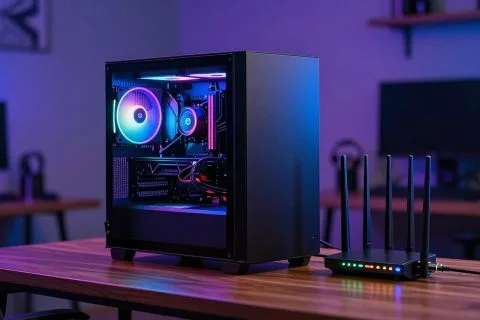
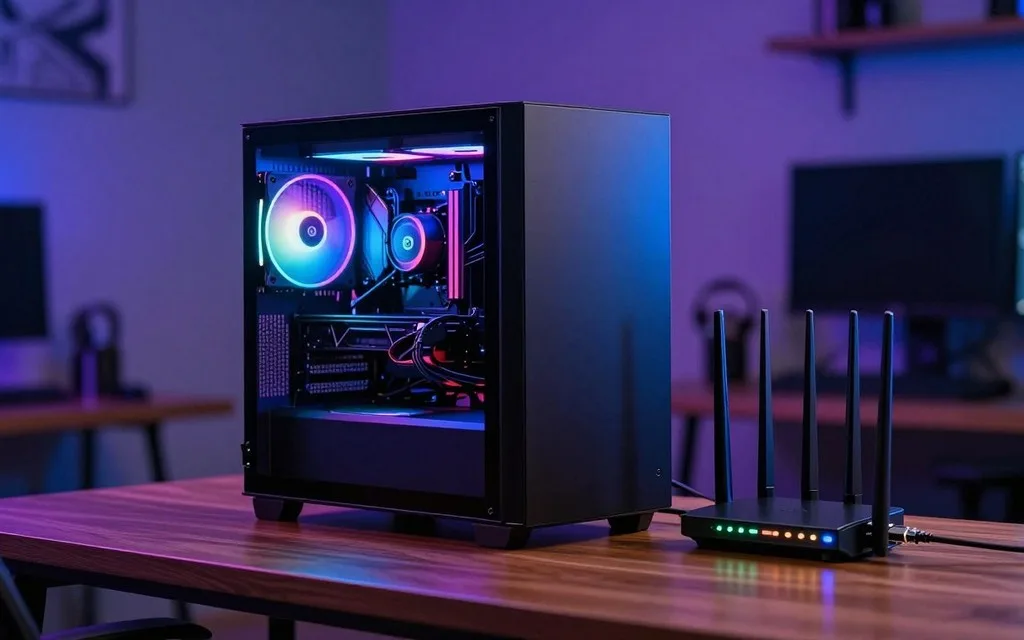
A gaming PC needs a Wi-Fi adapter only when it needs a wireless connection and does not already have working Wi-Fi built in. Your desktop might already connect wirelessly, or
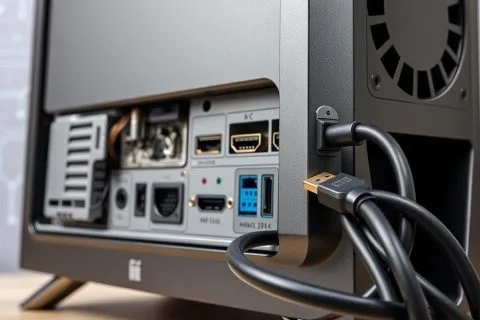
Technology is moving fast, making good connectivity a must-have. HDMI, or High-Definition Multimedia Interface, has quickly become crucial. It’s now
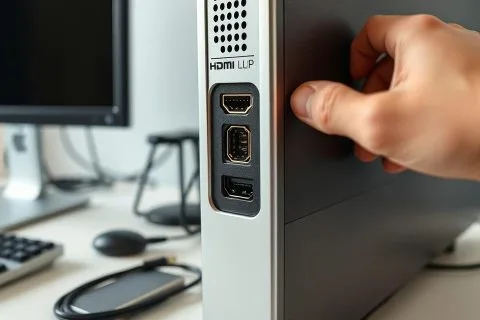
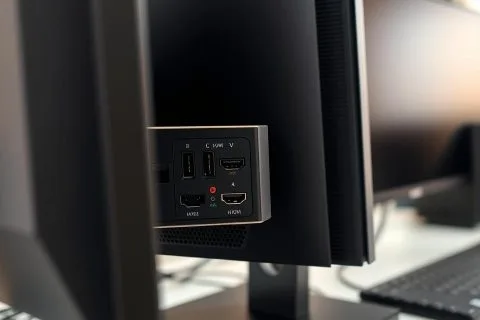
More and more computer monitors now include HDMI ports. This fact greatly improves how monitors connect to different devices. Because
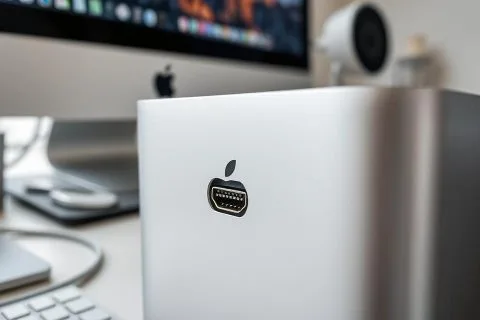
When looking into Apple computers, it’s key to know which have HDMI ports. Newer MacBook Pro models, from 2021 onwards,
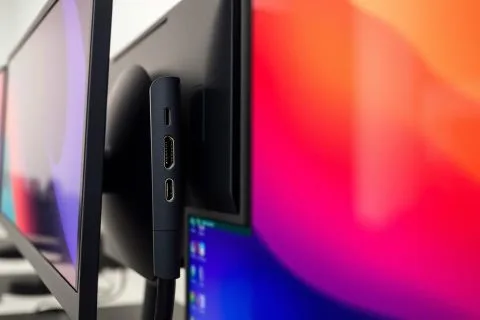
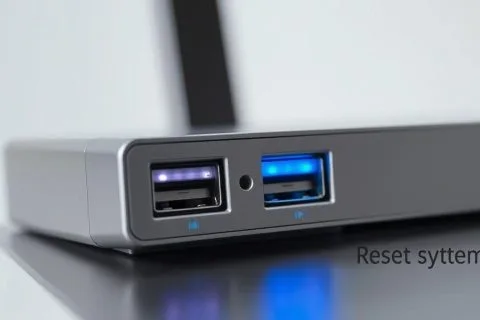
Modern computer monitors now come with USB ports. This makes them more versatile for users. These ports let you connect
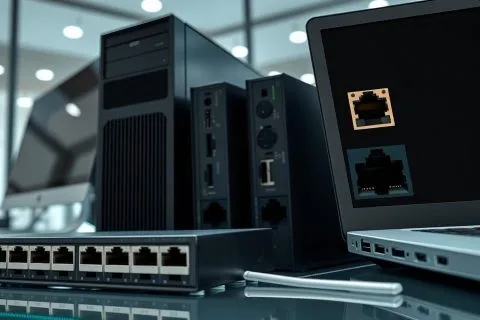
In today’s world, Wi-Fi is everywhere. But do all computers have Ethernet ports? Ethernet ports, or LAN ports, are crucial.
Since 2003, HDMI ports have become more common in computer monitors. However, not every monitor comes with these ports. The
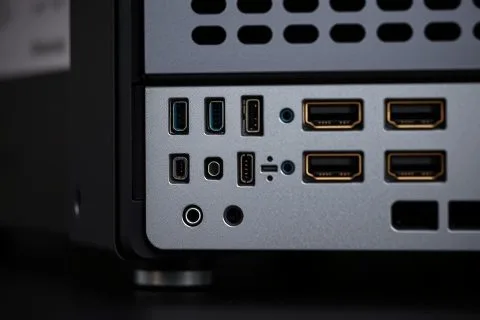
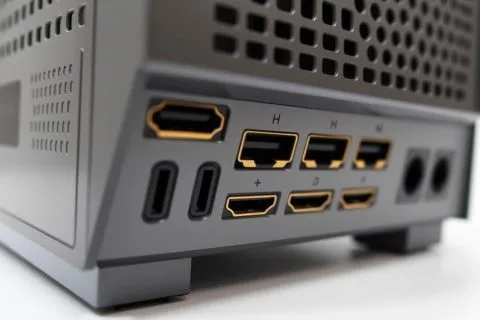
HDMI ports are key in today’s desktop computers. They connect high-definition multimedia devices. Understanding their role and advantages is important.
Today, it’s vital to know your computer’s connection options, especially the HDMI port. It lets you link to monitors, TVs,
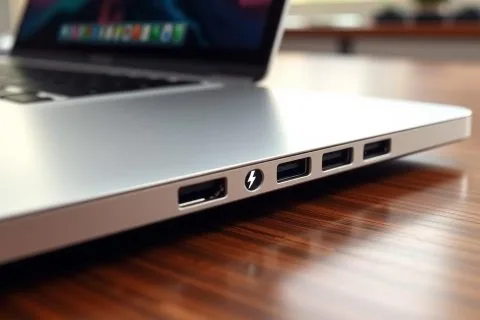
Today, being able to check for a Thunderbolt port is key for a better computing experience. Thunderbolt technology offers fast
HDMI ports are key for linking computers to screens, like monitors, TVs, and projectors. So, the big question is, do